
SHOPPING WORKSPACE / FINDS
Superbuy Finds
Explore Superbuy finds by product category, compare the exact seller option and create a useful shortlist before placing a purchase.
Explore Superbuyspreadsheet Categories
Swipe to explore all categories →
 Shoes
 Shoes QC
 Hoodies / Sweaters
 T-Shirts
 Jackets
 Pants / Shorts
 Women
 Headwear
 Underwear / Socks
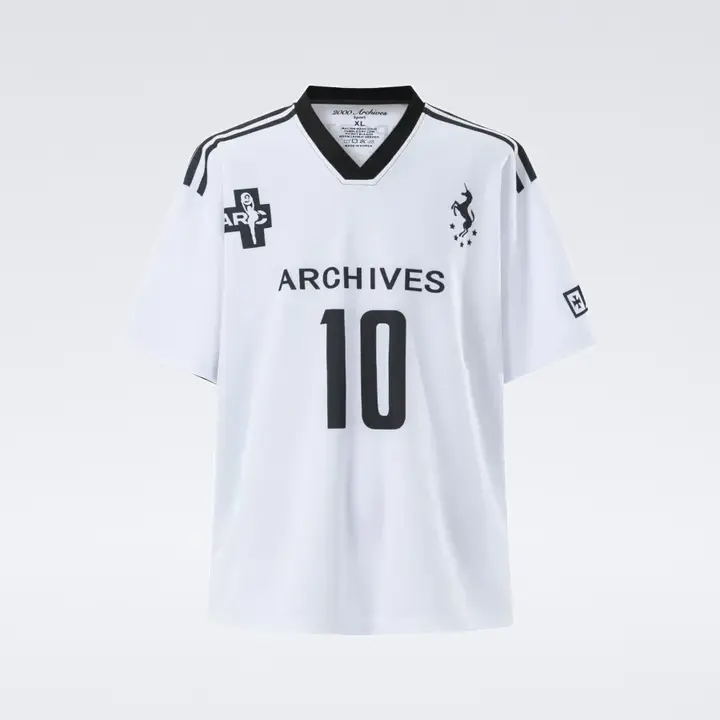 Jersey
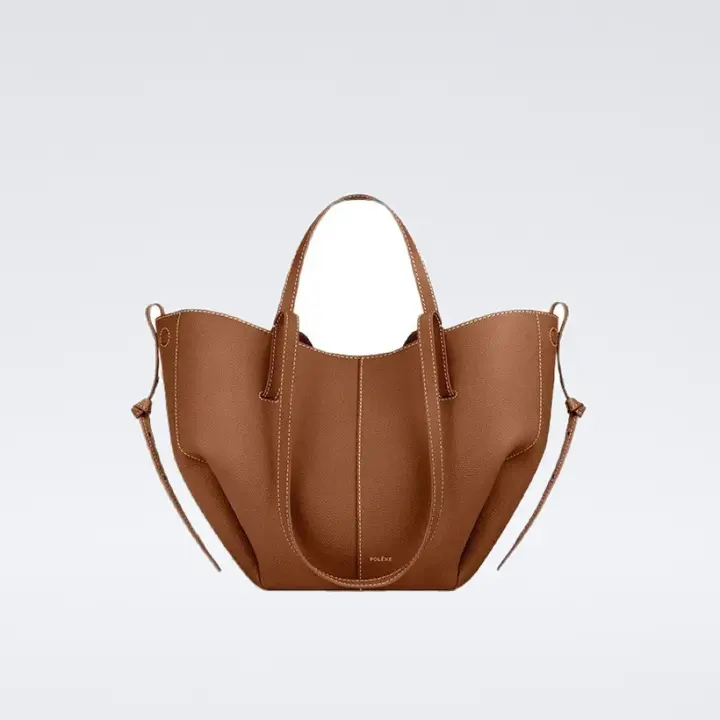 Bags / Belt
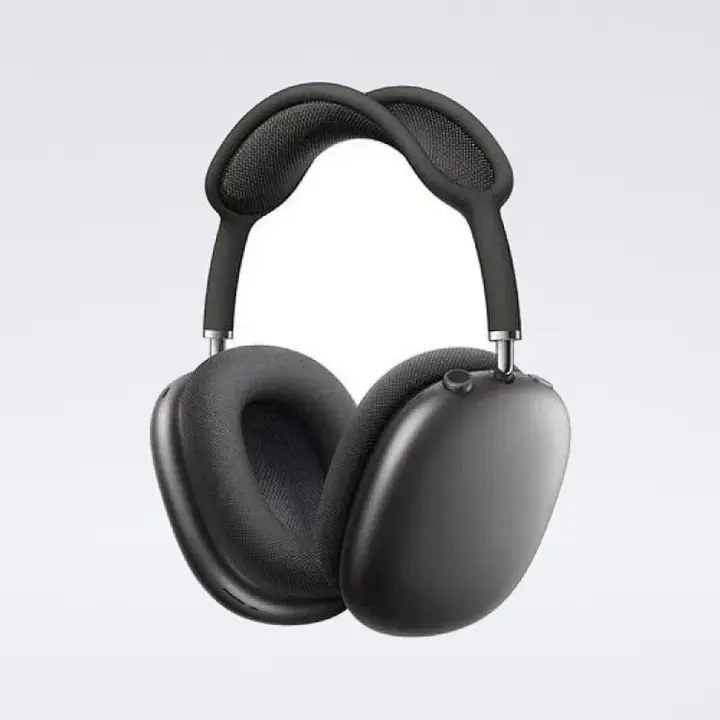 Electronics
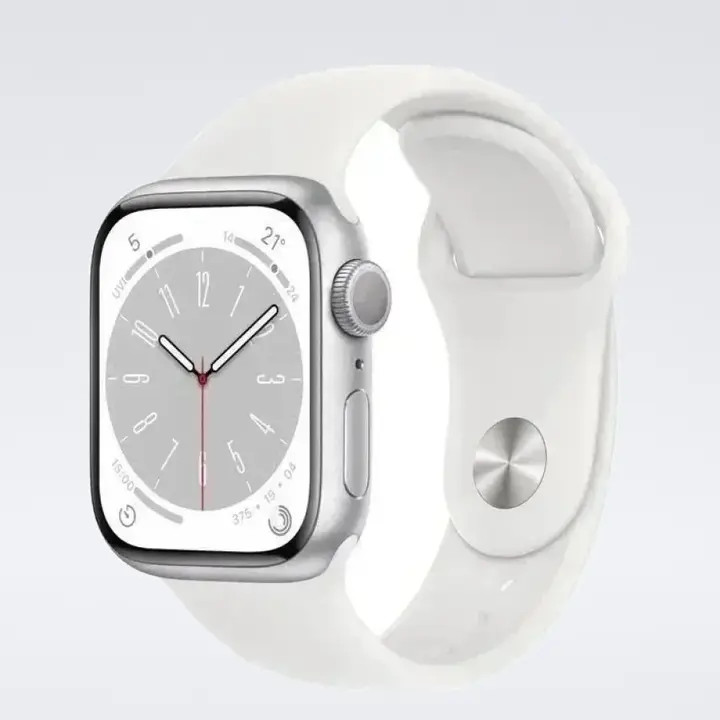 Watch
 Perfume
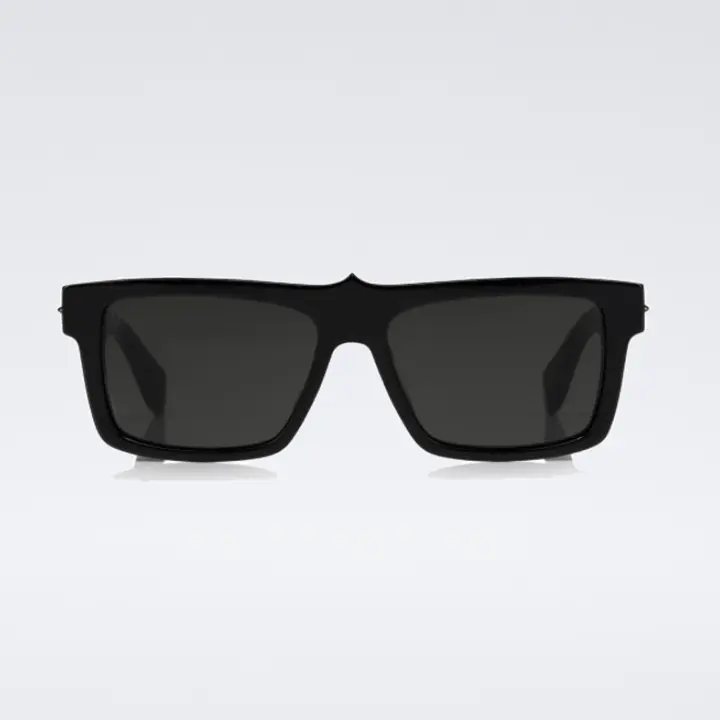 Glasses
 Other Stuff
External catalog categories do not indicate Superbuy purchase or shipping eligibility. Check official shipping restrictions before ordering.
Build a shortlist around a real need
Write down your non-negotiable requirements before opening the catalog. For footwear, that may be an insole measurement and intended activity; for a jacket, it may be chest width and sleeve length. For a bag, consider the objects you actually carry and the opening dimensions. This keeps your comparison grounded in practical requirements instead of whichever image looks most attractive.
Compare the right option
A useful comparison record has four fields: exact variant, unit price, domestic delivery cost and a question that remains unresolved. Compare quantities on the same basis. A two-piece listing and a single-item listing may have similar thumbnails but completely different costs. If a variant is sold out, compare a genuine alternative rather than treating an unrelated product as the same item. Inspect the seller's available descriptions and avoid goods with uncertain legality or misleading claims.
The three-candidate rule
For a first purchase, choose one preferred candidate, one lower-cost alternative and one fallback with clearer evidence. This is a suggested shopping method, not a claim about seller reliability. Record why the preferred product wins: suitable measurements, clearer material information or a better overall cost. Delete the other entries when you decide, or leave them marked as alternatives so they cannot be mistaken for orders already paid.
Before moving from finds to purchase
Check whether the catalog link opens the correct product detail rather than a generic search result. Then locate the original seller listing, verify the current option and ask about any restriction affecting the intended shipment. An item category is not a promise that an agent or carrier will accept the goods. Use the Order Workbook only after you have captured the intended selection; the workbook records your own plans and does not transmit a purchase request.
Check restrictions before shopping by category
A category in the external directory is not an indication that Superbuy will buy or ship its contents. For example, the official freight estimator currently identifies perfume among prohibited goods. The official service terms also exclude counterfeit products. Treat electronics, liquids, fragrances and other potentially restricted items as subjects for an eligibility check, not automatically orderable finds. Do not proceed with a purchase when its lawful origin or transport eligibility cannot be confirmed. Official reference.
Compare a shortlist using a pass-or-hold rule
For each candidate, write the feature you need, the evidence that supports it and any unanswered question. A shoe listing with a size chart but no measurement may need clarification; a bag listing with a measured opening can be judged against the object it must hold. Price is comparable only after the quantity and included components match. Reject a listing that cannot be identified or is not lawful to purchase. Keep uncertain but otherwise eligible items on hold. Never interpret a search result or category thumbnail as an agent approval.
Compare category-specific evidence
| Category | Evidence to request | Decision to hold |
|---|---|---|
| Footwear | Same measurement points and size label | Needed size evidence absent |
| Tops and outerwear | Flat chest, sleeve and length | Measurement method unclear |
| Trousers | Waist construction, rise and inseam | Selected variant cannot be identified |
| Bags | Opening, interior dimensions and closure | Required contents may not fit |
| Electronics and accessories | Exact model and lawful transport eligibility | Model or restrictions unconfirmed |
Download shopping records and worked examples
Blank templates are for your own verified records. Files named worked example contain hypothetical inputs and calculations, not historical orders.
Frequently asked questions
Are directory prices guaranteed?
No. Verify the selected option and final checkout price.
Where do category links go?
They open the separate W2C Spreadsheet directory in a new tab.
Can all listed product categories be shipped with Superbuy?
No. The external catalog is a discovery resource; verify current purchasing and shipping restrictions for the actual product.
Sources and references
Confirm current rules and account-specific decisions with the official service.