
DISCOVER. ORGANIZE. SHOP SMARTER.
Superbuyspreadsheet
Better finds. Smarter decisions.
Discover products, manage orders and shop with greater clarity.
Explore Superbuyspreadsheet Categories
Swipe to explore all categories →
 Shoes
 Shoes QC
 Hoodies / Sweaters
 T-Shirts
 Jackets
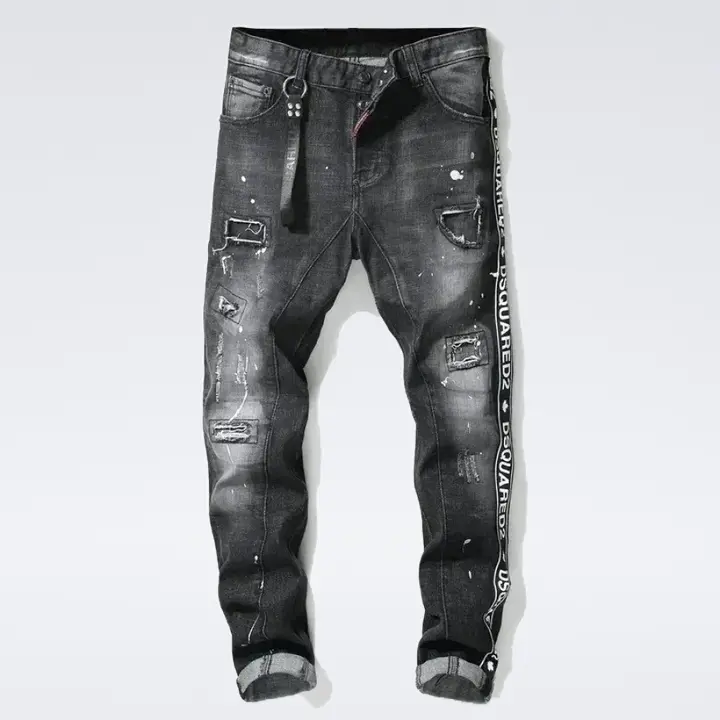 Pants / Shorts
 Women
 Headwear
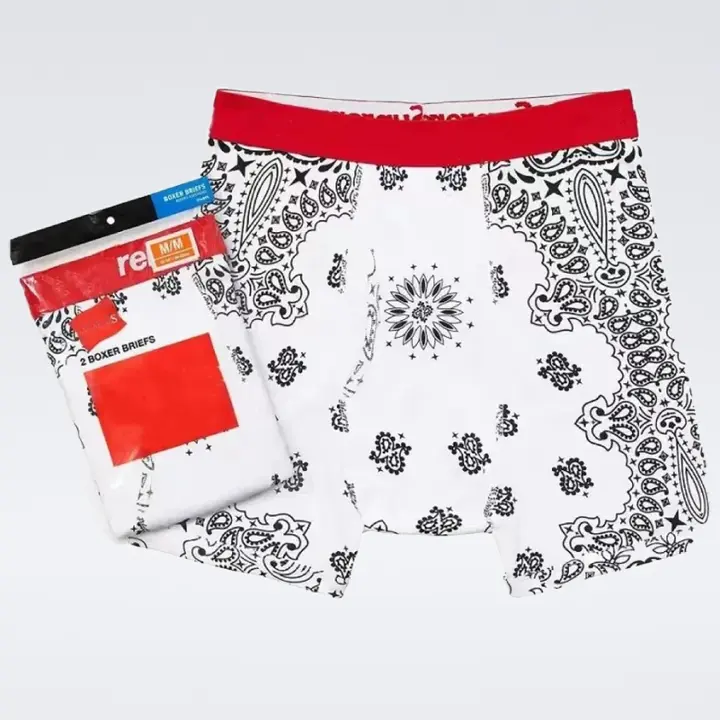 Underwear / Socks
 Jersey
 Bags / Belt
 Electronics
 Watch
 Perfume
 Glasses
 Other Stuff
External catalog categories do not indicate Superbuy purchase or shipping eligibility. Check official shipping restrictions before ordering.
Your Shopping Journey
SHOPPING WORKSPACE
Manage the details that matter
Solve common shopping problems
Superbuy Shipping Calculator
Prepare your parcel details and check the official estimator.
What is a Superbuy spreadsheet?
A spreadsheet can contain source links, categories, variant notes and reference prices. It is not a shopping cart, a seller's inventory system or proof of authenticity. This site combines a product directory with a separate decision workspace so that the details you checked before paying remain available when the item arrives at a warehouse.
What makes the best Superbuy spreadsheet useful?
The best Superbuy spreadsheet for your needs should let you recover the exact source listing, compare the option you actually want, understand what the price includes and identify unanswered questions before paying. A long list is less useful than a short list with recoverable evidence. Apply four checks: can you reopen the product? Can you identify the selected variant? Can you calculate the likely full cost? Can you explain what you would do if the delivered item differs? If one answer is no, keep the item in your shortlist rather than treating it as ready to buy.
A different kind of shopping workspace
Begin with the category grid and open the product catalog. Use the Order Workbook to turn a promising find into a record of your selection, price and next action. The Issue Navigator helps you distinguish a seller delay from a warehouse discrepancy or parcel issue. The Refund Ledger separates money actually returned from a refund that is still expected. These are separate decisions, not different names for the same shopping tool.
Choose the next action, not another list
If you have not ordered, check the product link and total budget. If you have paid, track the purchasing stage and seller response. If the item is stored, review its QC evidence before combining it with other items. If it has shipped, save the last confirmed carrier event. If something goes wrong, prepare a concise evidence summary and ask the appropriate official support team for the outcome you need. Product browsing remains available in a separate tab while you manage your notes here.
From a find to a decision
Imagine two listings for a plain jacket: one shows a garment width but no sleeve length, and the other supplies both. The second listing is easier to evaluate even if its displayed price is higher. Save each exact variant and the missing measurement in your workbook. A lower price is not a meaningful saving if you cannot establish that the item meets your requirements. Review the shortlist again after adding domestic and international freight estimates.
A useful record before and after buying
Keep three independent records: the public product listing, your purchase specification and the actual transaction. A catalog item can change without changing the record of what you bought. If a seller updates a listing after your purchase, compare the warehouse item against your saved selection rather than the new listing. You can use this site to prepare an enquiry, maintain a cost ledger or review a shipping calculation even when you are not browsing the catalog. Start with Superbuy Links if the source is unclear; use the order center if a purchase is already underway. The public evidence notebook shows how to turn a reported problem into verifiable next steps.
Decision reference
| Shopping stage | Check first | Useful next step |
|---|---|---|
| Before paying | Exact listing and selected option | Finds |
| Ordered | Last confirmed seller event | Order Center |
| Stored | Visible evidence and item deadline | QC |
| Parcel submitted | Freight record and carrier events | Shipping |
| Issue unresolved | Evidence and outstanding outcome | After-sales |
Frequently asked questions
Can I buy directly here?
No. The product directory opens separately; purchasing and account actions happen with your chosen agent.
Does the workbook connect to my Superbuy account?
No. Entries stay in this browser unless you export them.
What should I look for in the best Superbuy spreadsheet?
Look for a recoverable source link, an identifiable variant, a realistic cost record and useful inspection or next-action notes. A directory alone cannot guarantee seller quality or shipping eligibility.
Sources and references
Confirm current rules and account-specific decisions with the official service.